
Duda Plugins Release Notes
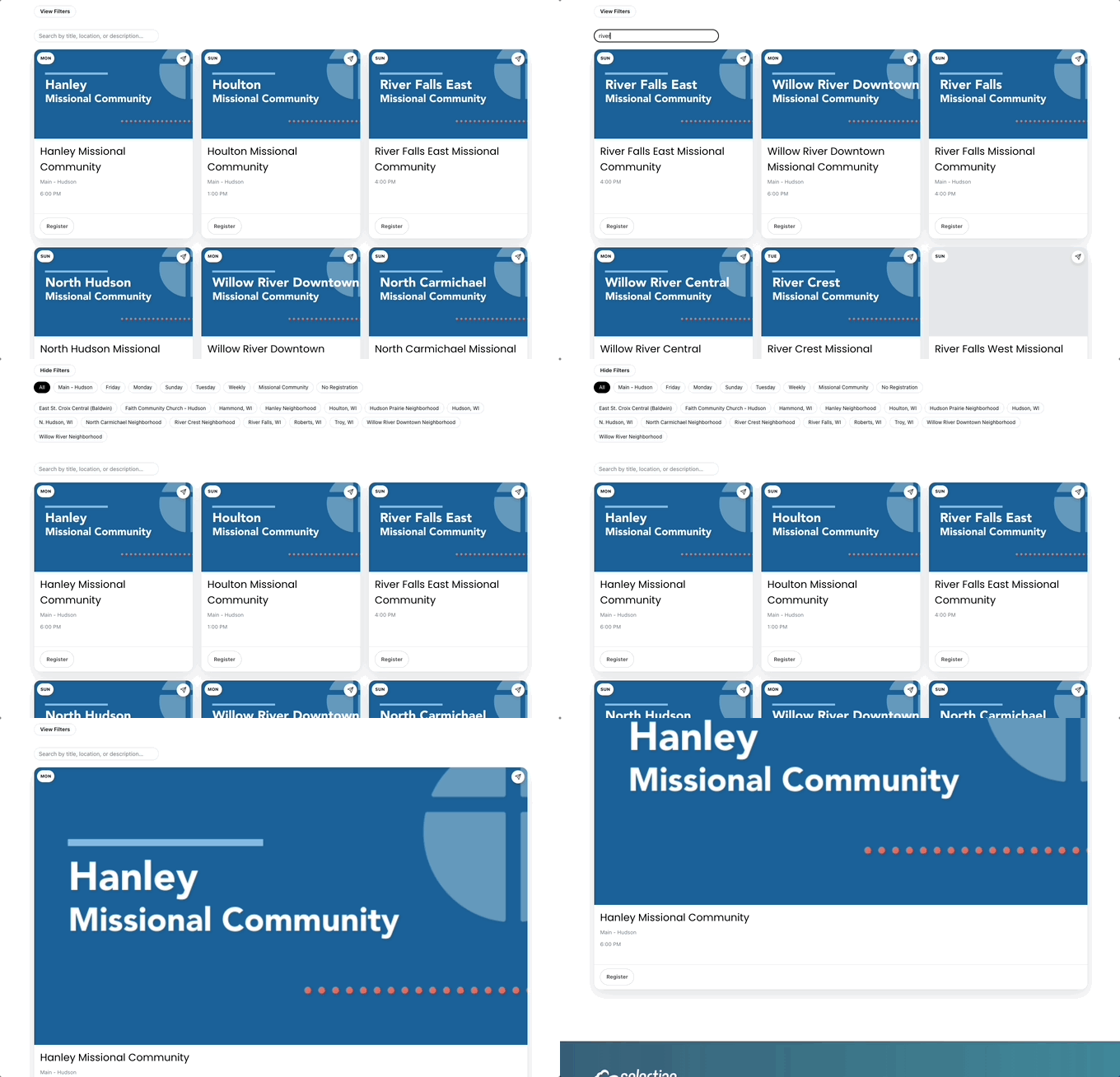
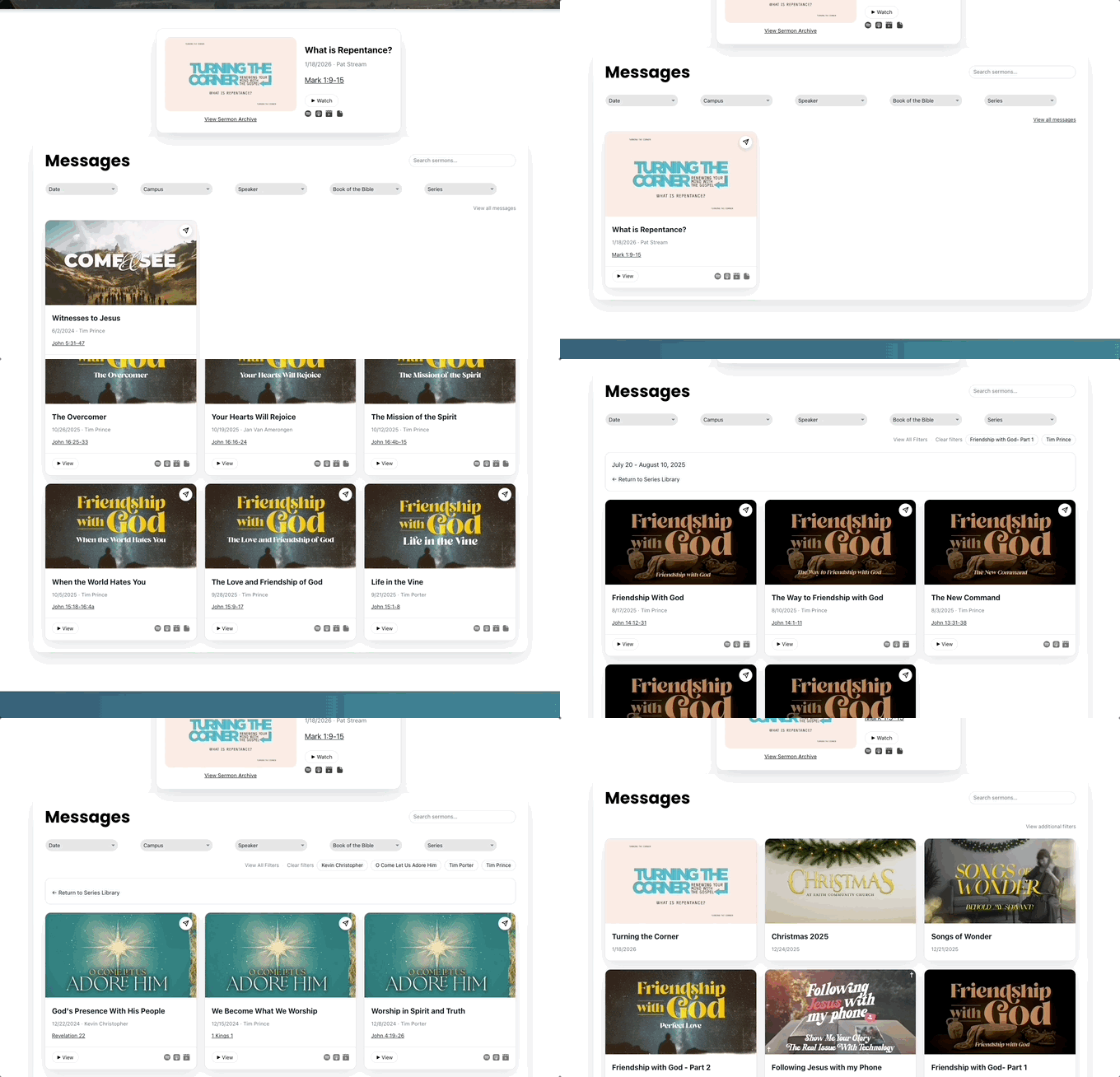
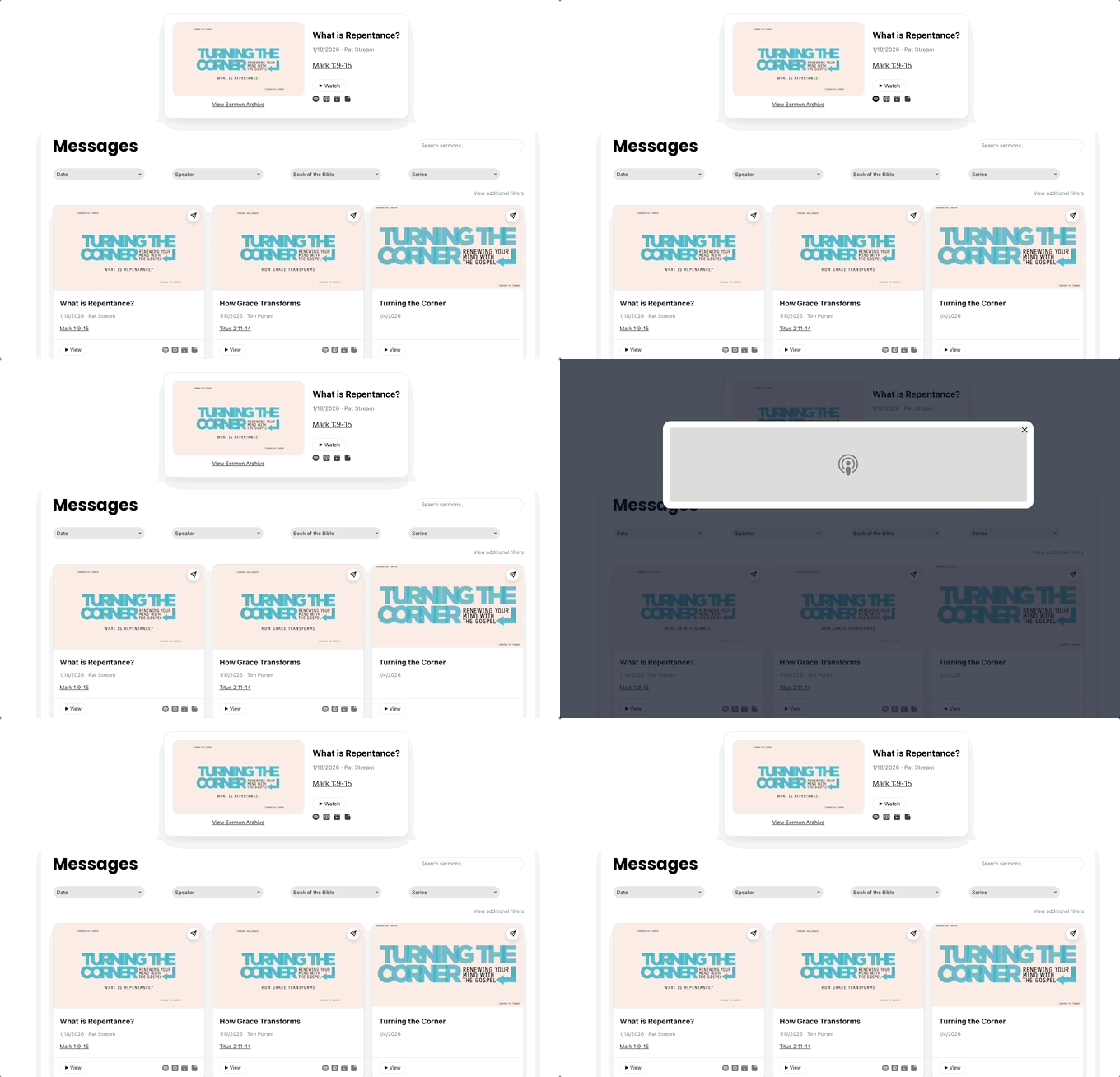
All hero images are displayed with width: 100% and padding-top: 56.25%. Translation, they are all 16:9 ratio so any images following this ratio will display nicely. As a best practice, assume 5 to 10% on each edge may be clipped. But if the images are 16:9 precisely, there should be no cropping. Please also note that media thumbnails are fetched first from Vimeo or YouTube. If not found, the widgets fall back to the thumbnail value of the resource in TouchPoint.
Small Groups
Customizable Styles:
- Font (type and color)
- Pill colors
- Button colors
Configurable Options:
- Church Database (xx.tpsdb.com)
- Church Authentication Key (/Sites Settings)
- Disable Filters
- Age Range
- Audience
- Campus
- Childcare
- Day
- Frequency
- Languages
- Leaders
- Location
- Online
- Tags
- Time
Data is based on TouchPoint Sites API ../SmallGroups as follows:
* These values are set or can be overridden with an extra value mapped in ../Sites.
- Age Range*
- Audience*
- Campus*
- Childcare*
- Class Filled
- Day: Schedule*
- Description*
- Frequency: Schedule*
- Group Size: Schedule*
- Hero Image*
- Involvement ID
- Involvement Title (or Registration Form Name, if set)*
- Involvement Type
- Languages*
- Leaders (Based on MemberType of Involvement)*
- Location*
- Member Count
- Online*
- Region*
- Registration Button Text
- Registration Closed
- Registration End
- Registration Start
- Registration Type
- Registration URL
- Tags*
- Time: Schedule*
- Video*
v2.4
- Streamlined prefilter settings
- Add option for Optimized SEO
- Deployed as managed widget
v2.3
- Fixed load on scroll
- Removed share icon
- Made hero image clickable
v2.2
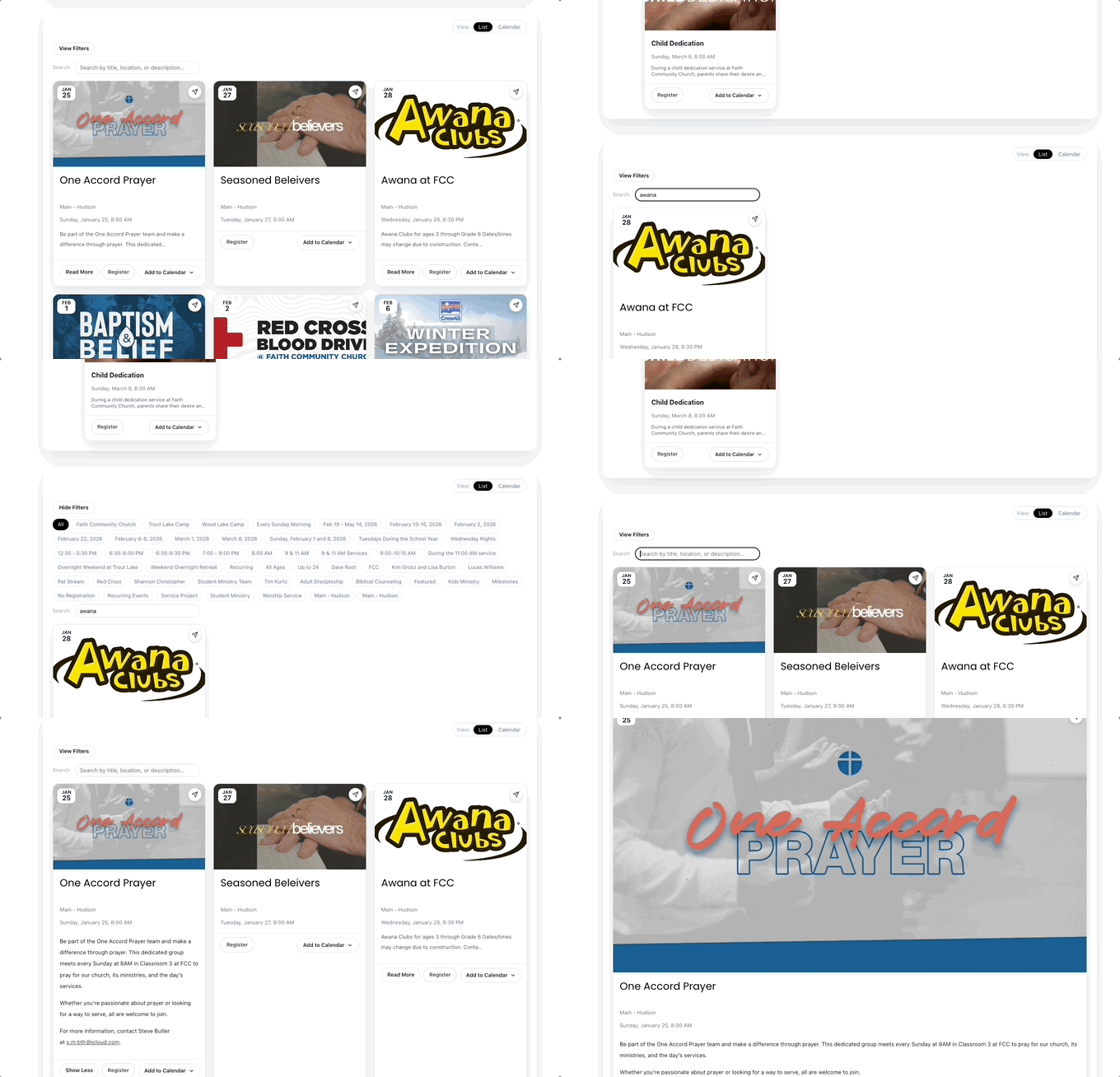
- Collapse all pill filters when a small group is opened directly.
- Change icon for opening a small group directly. Now a typical share icon.
- Fix graphics to be 16:9 ratio.
V2.1
- Expand pill filters to include all other relevant fields. Each of the following can be disabled/enabled in settings.
- Expand view of single small groups card to be full width and include entire description.
v2.0
- Modernize UI overall.
- Shift from dropdowns to pill filters.
- Eliminate pagination with load on scroll action.
- Streamline initial configuration and styling.
- Eliminate reliance on native Duda Collections.
Events
Customizable Styles:
- Font (type and color)
- Pill colors
- Button colors
Configurable Options:
- Church Database (xx.tpsdb.com)
- Church Authentication Key (/Sites Settings)
- Duration (Default value for partner churches not using Rooms & Reservation in TouchPoint)
- Disable Filters
- Age Range
- Audience
- Campus
- Childcare
- Day
- Frequency
- Languages
- Leaders
- Location
- Online
- Tags
- Time
Data is based on TouchPoint Sites API ../Events as follows:
* These values are set or can be overridden with an extra value mapped in ../Sites.
- Age Range*
- Audience*
- Campus*
- Childcare*
- Class Filled
- Day: Schedule*
- Description*
- Frequency: Schedule*
- Future Meeting
- Group Size: Schedule*
- Hero Image*
- Involvement ID
- Involvement Title (or Registration Form Name, if set)*
- Involvement Type
- Languages*
- Leaders (Based on MemberType of Involvement)*
- Location*
- Member Count
- Next Meeting
- Online*
- Region*
- Registration Button Text
- Registration Closed
- Registration End
- Registration Start
- Registration Type
- Registration URL
- Tags*
- Time: Schedule*
- Video*
v2.5
- Streamlined prefilter settings
- Combining events over multiple sequential days into a single card.
- Add option for Optimized SEO
- On calendar view, greyed out prior days in current month.
- Deployed as managed widget
v2.4
- Removed share icon
- Made hero image clickable
- Fixed mobile responsive issues
- Added option to remove background shell
- Added days of week to calendar
v2.3
- General style updates for refinement.
- Added option to Return to all events if looking at a specific card.
- Max limit can be set for Description field to force browser to full width card instead of expanding the active card.
- Added configuration to default events to calendar view vs list view.
- Deferred to Button CTA label as defined in TouchPoint.
- Fixed the omission of dates in futureMeetings.
- Consideration of Cancelled events:
- There's not a direct way to handle this via TouchPoint; however, if the word Cancelled is included in the title, it will remove all the CTA buttons for the card, color it red, disable the add to calendar, and add text this event is canceled.
- Management of Registration Status:
- If Registration is closed, grey out and disable Register button.
- If Registraton Start is later than today, grey out and disable Register button.
- If Registration End is before today, grey out and disable Register button.
- If classFilled is TRUE, grey out and disable Register button.
- If # of Members > Capacity, grey out and disable Register button.
- If RegistrationType is NULL, hide the Register button.
v2.2
- Format day and time as Monday, January 1, 2026 9:00 AM
- Collapse all pill filters when an event is opened directly.
- Change icon for opening a small group directly. Now a typical share icon.
- Display events in chronological order.
- On calendar view, jump to details when a day is clicked.
V2.1
- Default to 60 minutes for duration in the absence of Rooms & Reservation implementation in TouchPoint.
- Expand view of single events card to be full width and include entire description.
- On calendar view, description and filter pills should appear.
- Change icons for Google and Apple.
v2.0
- Modernize UI overall.
- Shift from dropdowns to pill filters.
- Eliminate pagination with load on scroll action.
- Streamline initial configuration and styling.
- Eliminate reliance on native Duda Collections.
Featured Events
Customizable Styles:
- Font (type and color)
- Pill colors
- Button colors
Configurable Options:
- Church Database (xx.tpsdb.com)
- Church Authentication Key (/Sites Settings)
- Duration (Default value for partner churches not using Rooms & Reservation in TouchPoint)
Data is based on TouchPoint Sites API ../Events as follows:
- Tags: A value of Featured must be set as a Tag for the Event to appear.
v2.4
- Streamlined prefilter settings
- Combining events over multiple sequential days into a single card.
- Add option for Optimized SEO
- Deployed as managed widget
v2.3
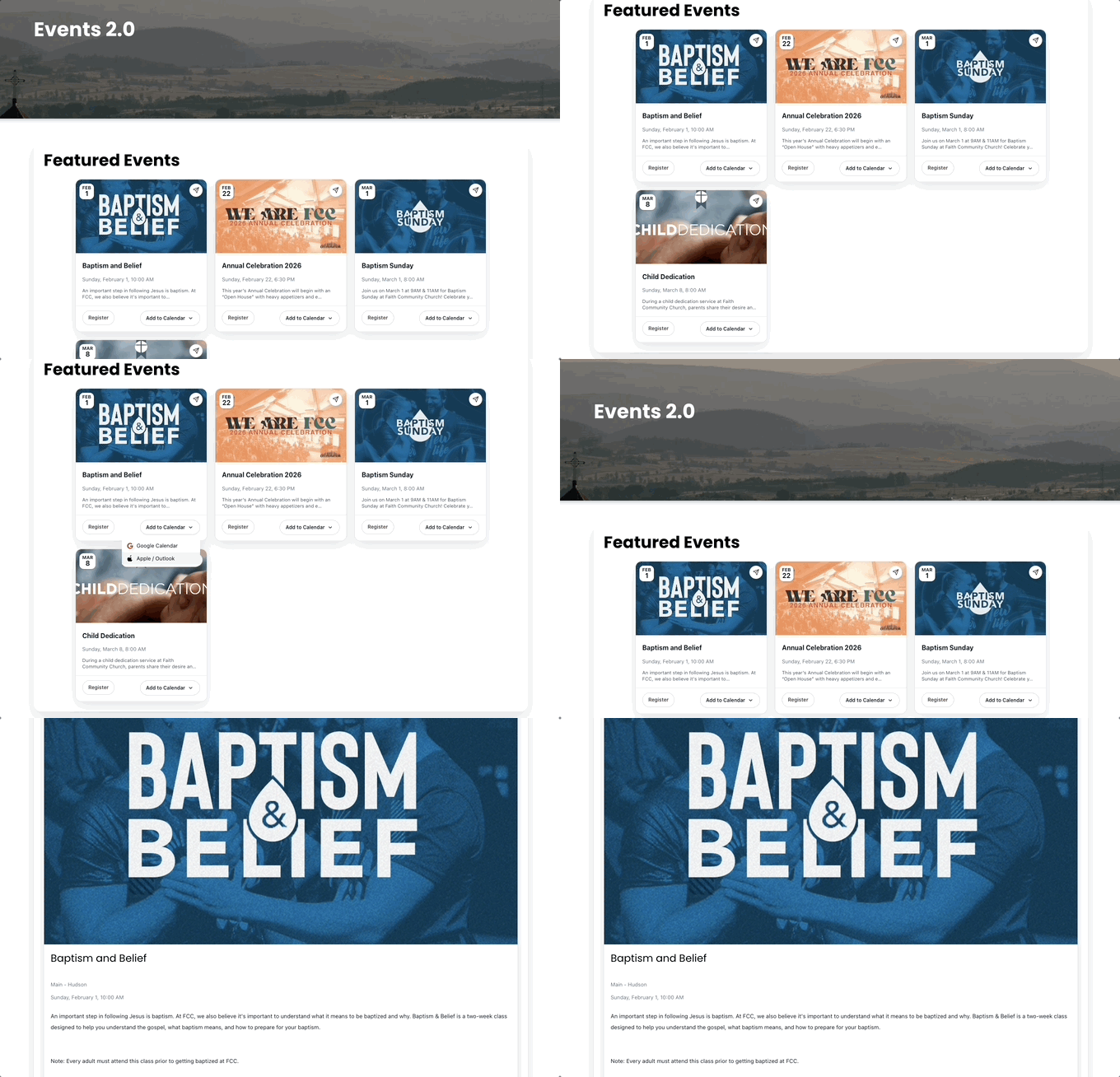
- Added hover animations
- Consolidated layout of card
- Added option to remove background shell
v2.2
- Format day and time as Monday, January 1, 2026 9:00 AM
- Change icon for opening a small group directly. Now a typical share icon.
- Display events in chronological order.
V2.1
- Default to 60 minutes for duration in the absence of Rooms & Reservation implementation in TouchPoint.
- Change icons for Google and Apple.
v2.0
- Modernize UI overall.
- Streamline initial configuration and styling.
- Eliminate reliance on native Duda Collections.
Sermons
Customizable Styles:
- Font (type and color)
- Pill colors
- Button colors
Configurable Options:
- Display as a Series. If true, a series list will be display rather than the full library on load.
- Name of Series Resource Type: If Display as a Series is TRUE, the Resource Type containing the Series information must be specified.
- Dropdown Filters can be enabled as set discretely:
- Date
- Speaker
- Book of the Bible
- Resource Group (i.e. Series)
- Resource Type (i.e. Campus)
- Bible Version for opening scripture references
- Bible Scripture Lookup Reference (i.e. BibleGateway.org, ESV.org)
- Rename Filters
- Date
- Speaker
- Bible Book
- Resource Group
- Resource Type
- Exclude specific Resource Group(s) and/or Resource Type(s)
Data is based on TouchPoint Sites API ../Media as follows:
- Bible Book Name Chapter Verse is not supported here but can be managed via Resource Description.
- Date Not currently available. The Start Date is used instead.
- Free Form Content
- Media Format (i.e. YouTube, Vimeo)
- Media Type (i.e. Video)
- Resource Description For greater flexibility, the following values can be extracted from the Resource Description as part of implementation.
- Spotify URL
- Apple Podcast
- Audio
- Full Service URL
- Scripture
- Sermon Notes URL This is different than the value on the Resource as that value is not available in the API.
- Study Guide
- Transcript
- Resource Group (Typically a sermon series name)
- Resource Type (Typically a campus)
- Source URL
- Speaker
- Start Date This is the value used not Date.
- Thumbnail URL (Fall back only if thumbnail not found for Vimeo or YouTube)
- Title
v2.3
- Add toggle for series vs all sermons
- Refined card display
- Updated series start/end to be dynamic based on contained sermons
- Added hover animations
- Add reference links to other sermons in series in list view
- Expanded view of sermon video
- Restyled expanded view with related resources
- Fixed mobile responsive issues
- Added option to remove background shell
v2.2
- Fix Resource Group and Type exclusions
- Hide filter pills on load
- Add support for dropdown filters
- Fix load on scroll
v2.1
- If browsing direct to unfiltered sermons, collapse filters on load.
- Expand pill filters to include Resource Type.
- Update icons
v2.0
- Modernize UI overall.
- Shift from dropdowns to pill filters.
- Eliminate pagination with load on scroll action.
- Streamline initial configuration and styling.
- Eliminate reliance on native Duda Collections.
Latest Sermon(s)
Customizable Styles:
- Font (type and color)
- Calendar Feed Colors
Configurable Options:
- # of Recent Sermons to Display
- Bible Version for opening scripture references
- Bible Scripture Lookup Reference (i.e. BibleGateway.org, ESV.org)
- Sermon Library URL
v2.3
- Revised style and layout
- Added hover animations
- Added option to remove background shell
v2.2
- Fix Resource Group and Type exclusions
- Fix load on scroll
v2.1
- Update icons
v2.0
- Modernize UI overall.
- Streamline initial configuration and styling.
- Eliminate reliance on native Duda Collections.
Rooms & Reservation
Customizable Styles:
- Font (type and color)
- Calendar Feed Colors
Configurable Options:
- Calendar ICS Feeds
v2.2
- Improve UI for multiple same-day events
- Fix max-height cutting off event details
- Force text alignment
v2.1
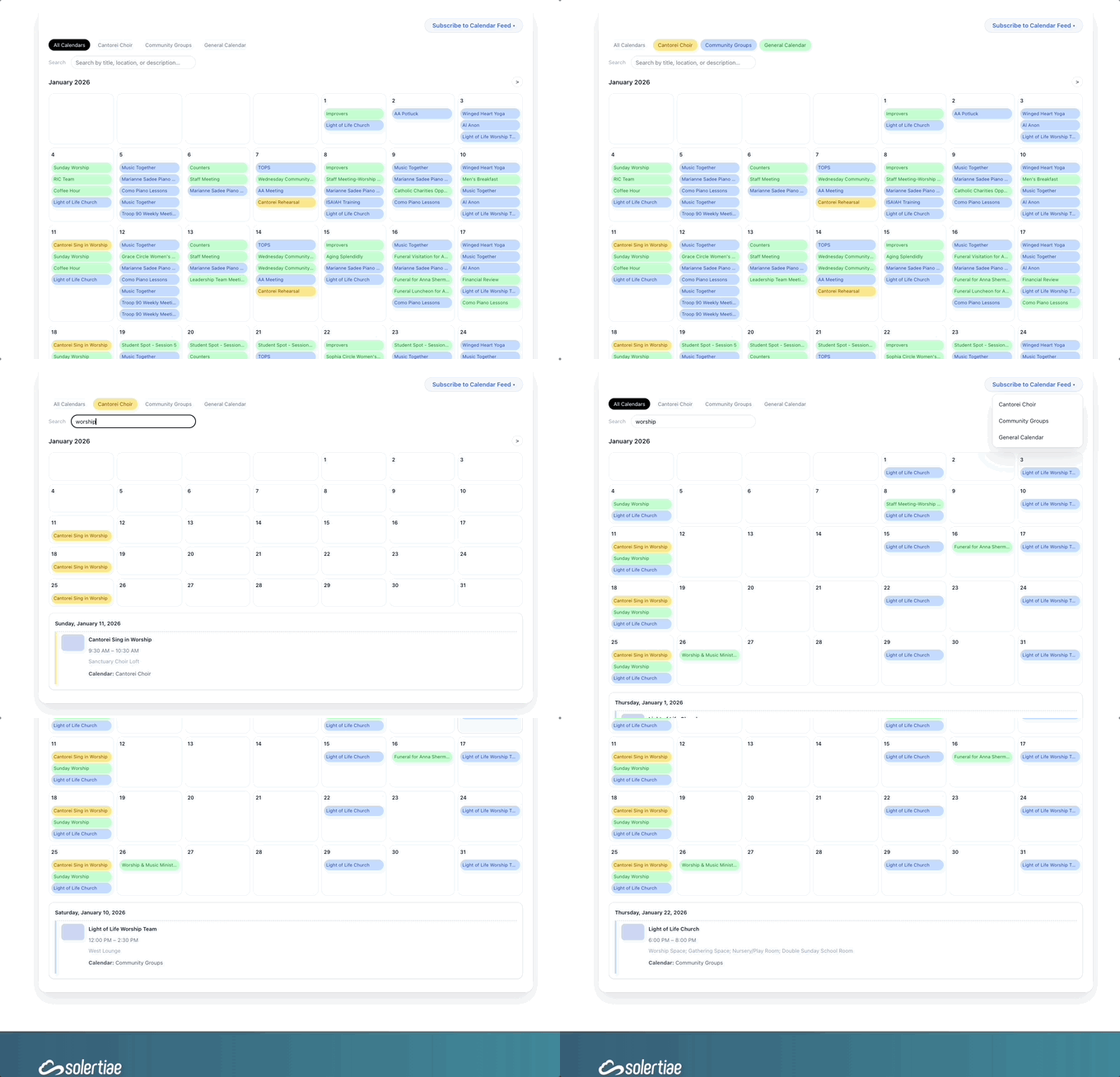
- Fix interpretation of time for recurring events
- On click of a day, jump to details.
- Color code each ICS feed for visual separation.
v2.0
- Add support for ingesting ICS feeds from TouchPoint Rooms & Reservation for display.